
CONNECTIVITY DECISION · SELF-DRIVE
Before you reach the rental car counter, the moments that need a connection usually pile up together: finding the shuttle, opening the rental confirmation, navigating to your first night’s stay, and receiving verification codes. That’s why I don’t leave eSIM research until after landing.
Set up the dual SIM at home before comparing Airalo and Saily
Both currently offer dedicated Iceland eSIM products, but no brand name guarantees signal across the entire Ring Road. If you’re self-driving, your purchase criteria should include completing installation on stable Wi-Fi, keeping your home SIM for SMS, knowing which card to use for mobile data upon arrival, and saving offline copies of road information, accommodation details, and meeting points.
Compare fixed data, top-ups, hotspots, activation dates, and refund rules using the same number of days and similar data tiers. Remote stretches still depend on local partner networks, terrain, and your exact location. When signal drops, offline maps, battery life, and clear roles among travelers will save your trip faster than buying another card.

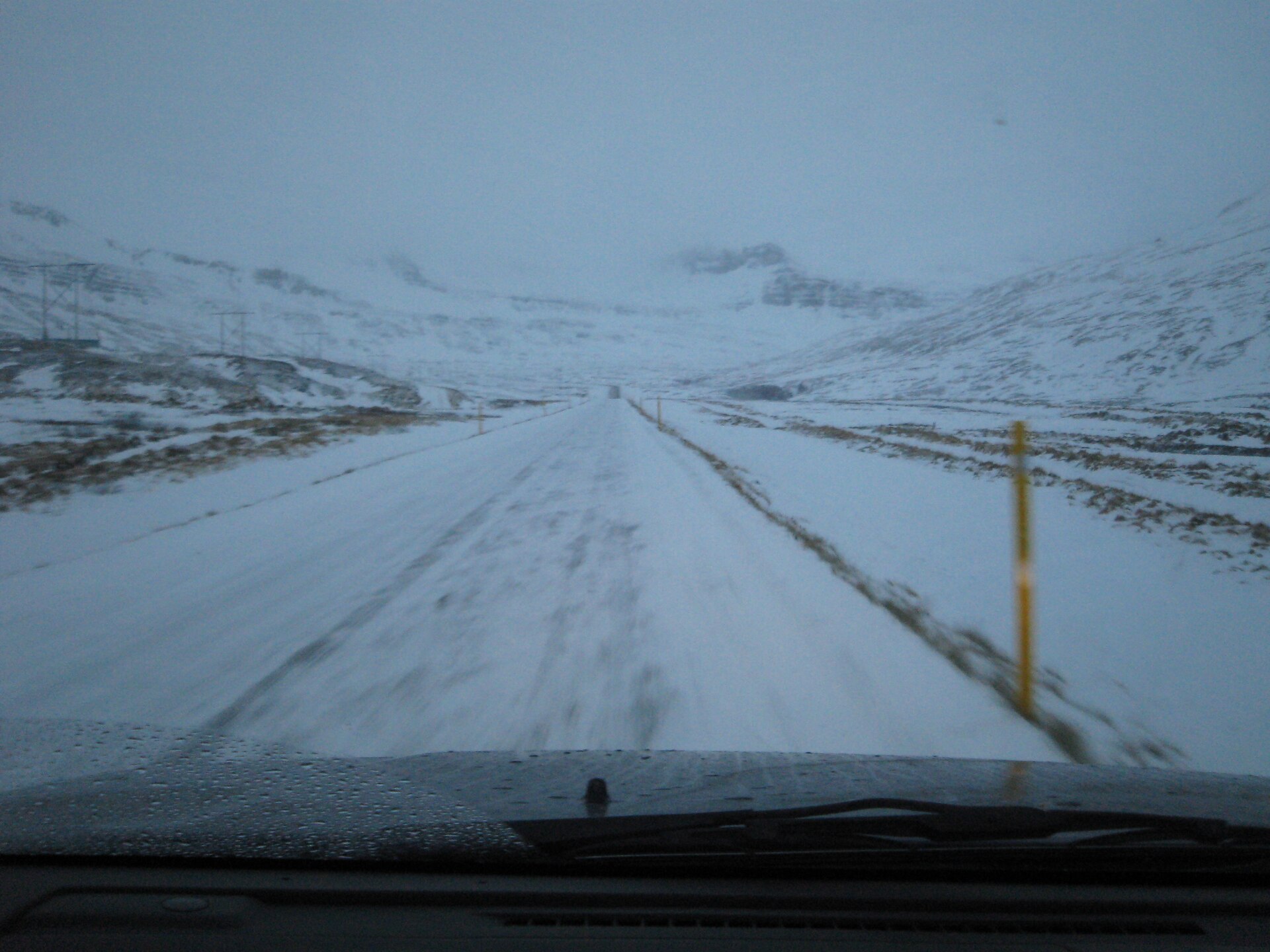
ICENAVI ESIM · SELF-DRIVE READINESS
Can the Setup Still Work When Mobile Signal Drops?
This isn’t a signal ranking for Airalo or Saily. It’s a decision card that weighs self-drive coverage judgment, activation dates, dual-SIM/phone compatibility, remote-area backups, and actual data usage. Partner networks, prices, plans, and device support change, so always verify against official product pages and phone specs before paying.
You can check product pages, partner networks, and actual locations, but no data supports the claim that any brand is consistently stronger across the entire Ring Road; remote stretches require offline backups.
Most Airalo plans start counting after the first connection to a supported network; Saily’s product page states it activates automatically upon arrival, enabling the eSIM, and turning on data roaming (depending on the selected plan). Always check the specific plan details.
Unlocked phone, eSIM support, home SIM data roaming off, clear naming for both lines, and saved installation details prevent the most common arrival mistakes.
Offline maps, rental and accommodation addresses, meeting point screenshots, 112, and charging plans keep your next steps clear when the network vanishes; don’t wait for “no service” to start downloading.
Navigation, messaging, and road checks usually aren’t the biggest data hogs; video, automatic photo backups, and multi-user hotspots consume data quickly, so estimate based on how your group shares the load.
The plan is just the connection layer; reliable self-drive preparation also includes activation timing, dual-SIM setup, offline maps, address copies, and data habits.
This card separates “having signal” from “having a fallback.” You can arrange mobile data for the main route, but don’t assume you’ll stay connected in canyons, mountain areas, tunnels, or bad weather. The eSIM is ready for a self-drive trip only once your offline information is saved and everyone knows their role.
| Plan | What You Keep | What You Accept | When to Choose |
|---|---|---|---|
| Fixed Data + Home SIM for SMS | Budget, home number, and predictable data volume | Limits on video, photo backups, and hotspots; need to top up when data runs out | Mainly for navigation, messaging, and road checks, with companions having their own backups |
| Unlimited/High Data + Hotspot | Flexibility for short-term sharing, real-time road checks, and activity notifications | Higher cost; hotspots still affected by device, network, battery, and fair use policies | One person handles navigation, companions share data, and you have car chargers and offline copies |
| Single eSIM + Full Offline Backup | Simpler phone setup and less risk of accidental data usage | If the main phone fails or dies, you rely on companions and paper/screenshot data | Short self-drive trips, companions have working phones and clear meeting roles |
| Dual eSIM/Physical SIM Backup | Separation of lines for SMS, data, and emergency contact | Phone compatibility, data roaming, default line, and APN need individual testing | Many remote stretches, need for home SMS, or team cannot rely on one phone |
Airalo vs. Saily: Four Setup Differences That Matter for Self-Drive
Prices change with data volume, days, and promotions, so comparing just “starting from $X” is easy to get wrong. I first check the same trip duration and data tier, then look at these four items. This data is compiled from official product pages and support documents as of August 16, 2026; always verify against the checkout page before paying.
| Decision Point | Airalo Iceland eSIM | Saily Iceland eSIM |
|---|---|---|
| Plan Format | Iceland product page lists both fixed data and unlimited options | Iceland product page lists options from 1GB to unlimited |
| When Validity Starts | Most plans start after the first connection to a supported network; check the specific plan details | The product page states that it activates automatically after you arrive and enable the eSIM and data roaming |
| What Happens When Data Runs Out | Plans with top-up options can be topped up directly without buying a new eSIM | Can add new destinations or plans to the same eSIM; actual options depend on the App |
| Hotspot Sharing | Support information says it is available when the device and network allow it; manual APN entry may be required in some cases | The Iceland product page currently states that hotspot use is available without limits; device and network performance still apply |
eSIM coverage must be judged against your specific route, not just the country name on the product homepage. Below, I’ve marked common car pickup points and accommodation bases on the South Coast and in the north. This is a route backup map, not a signal coverage guarantee for Airalo, Saily, or any partner network.

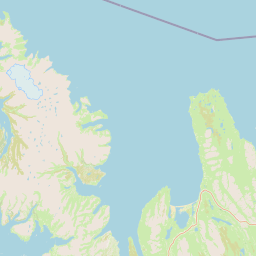
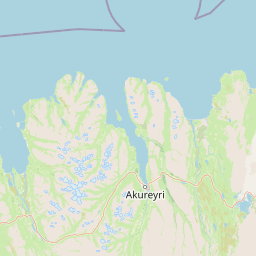
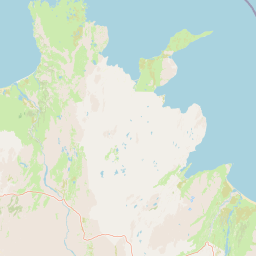
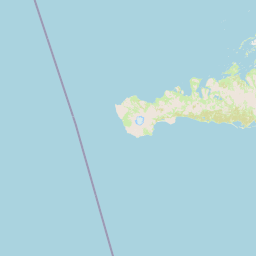
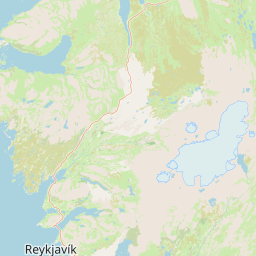
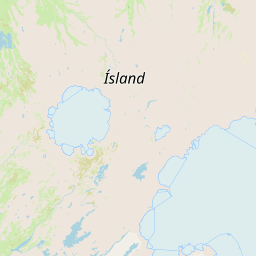
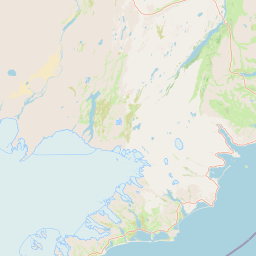
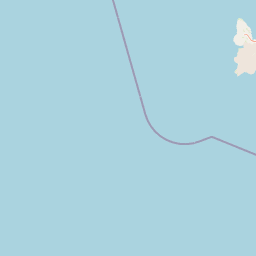
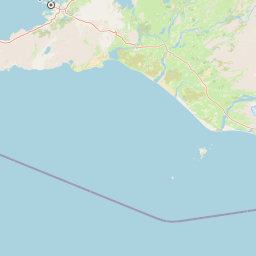
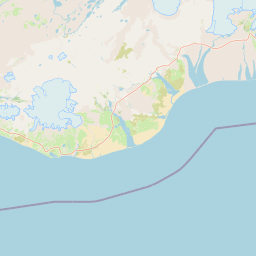
This table has no “remote area winner” because partner networks, phone bands, weather, and terrain all affect actual connectivity. Official sources don’t provide enough data to support the claim that one brand is necessarily stronger across the entire Ring Road. Seeing one bar of signal doesn’t mean the road is passable; you still need to check road and weather conditions. If you plan to drive into canyons or highlands, Self-Drive Phone Signal and No-Network Backup explains the priorities for offline maps, SMS, the 112 app, and battery power—more useful than simply asking, “Is there 5G?”
Check Phone Compatibility Before You Buy
- Confirm your device supports eSIM and is carrier-unlocked:“Having dual SIM” doesn’t mean you can add an eSIM; model and sales region may also differ.
- Install on stable Wi-Fi: Don’t do it next to the baggage carousel at Keflavík Airport, juggling a QR code while searching for free Wi-Fi. Providers recommend installing in advance; activation follows the selected plan’s rules.
- Name both SIMs:For example, “Home SMS” and “Iceland Data.” Set mobile data to the Iceland eSIM, turn off data roaming and “allow mobile data switching” on the home SIM, but keep the home SIM line active if you need bank or airline SMS.
- Save installation data:Screenshot the order, APN, customer service entry, and manual network selection instructions. Once an eSIM is deleted, reinstallation may depend on the provider and plan, so turn the line off rather than deleting it unless you are certain you no longer need it.
The real risk of dual SIM isn’t a complex screen, but the phone silently switching back to the home SIM’s data when signal weakens. Seeing a roaming bill after returning home is a travel memory not worth keeping.
If companions will use tablets, share navigation, or you plan to buy one card for the whole car to share, first read Iceland eSIM Hotspot Sharing Device Roles; that page separates main phone battery, second phone, and offline data, avoiding the mistake of thinking “shareable” means “everyone has a fallback.” If you also need to keep your home number for bank SMS, read Iceland eSIM and Physical SIM Dual-SIM Roles first, because the SMS line and data line are two different decisions.
If the screen still shows “No Service” after arrival, don’t buy a new plan immediately. Check in order: Iceland eSIM is set as mobile data, data roaming is on, then toggle airplane mode or restart; if still not connected, manually select a supported network and check APN per supplier instructions. Airalo’s official troubleshooting also notes that automatic network selection sometimes picks the wrong network. If this round still fails, keep screenshots and order number to contact customer service, using airport or hotel Wi-Fi in the meantime, and do not delete the installed eSIM.
If you’re already within 48 hours of departure, first check ICENAVI’s Last Two Days Recheck and Offline Save Order; it categorizes eSIM, roads, activities, accommodation, and airport info into “recheck now,” “save now,” and “don’t change yet.”

Five Moments When Mobile Data Matters on a 7-Day Self-Drive
| Moment | Immediate Need | Offline Backup |
|---|---|---|
| KEF Car Pickup | Shuttle location, rental confirmation, first night navigation | Rental company address, order screenshot, accommodation address |
| Before Daily Departure | Road status, wind, weather warnings | Shortened route options for the day and accommodation phone |
| South Coast Movement | Re-navigation, gas stations, activity changes | Offline maps, meeting point screenshots |
| Splitting Up | Real-time messaging and meeting location | Pre-agreed time, license plate, and fixed meeting point |
| Return Car & Departure | Fueling, return car entrance, flight changes | Return car address and airport layout info |
If your main use is just these, data usually won’t be eaten up by navigation itself; video, automatic photo backups, and multi-user hotspots are the big consumers. To calculate how many GB you need for 5, 7, or 10 days more accurately, continue to Iceland eSIM Data Usage Estimator, which separates navigation, social media, video, and hotspots, so you don’t rely on guesses like “1GB a day should be enough.” Once you know whether you need days or GB, go to Airalo vs. Saily Brand Decision Page to align plan shelves, hotspots, and cross-border needs.
Compare Like-for-Like Plans Only After You Know Your Needs
Use the eSIM to Support a Realistic Driving Plan
After downloading maps, two backups are easily overlooked: power and the next night’s address. A car’s USB port may not provide enough power; with navigation, the camera, and a hotspot all running, your phone battery may fail before your data runs out. If your itinerary enters the Highlands, also use 2WD vs. 4WD Route Boundaries to confirm your rental contract and road eligibility; a mobile connection does not make a 2WD suitable for river crossings.
Accommodations and activities for a 7-day route shouldn’t only exist in email. Save Iceland 7-Day Itinerary Nightly Bases as an offline list, and add road websites, meteorological bureau, and SafeTravel to bookmarks. Real-time data tells you what’s happening today; offline data ensures you know where to go when the network disappears.
10-Minute Pre-Arrival Check: Make Sure the Trip Still Works Offline
- eSIM installed and named; know which line and data-roaming setting to enable upon arrival.
- Home SIM data roaming turned off; if you need to receive verification SMS, check your carrier’s charges.
- Offline maps actually opened and tested, not just downloaded.
- Rental car, first night accommodation, activity meeting points, and return car address have offline copies.
- Charging cable, car charger, and power bank available; companions don’t rely on the same phone.
Related Reading
How much Iceland eSIM data do you need: Once you’ve chosen a platform, use specific usage habits to estimate when choosing between 5, 7, or 10-day plans.
Rent 2WD or 4WD in Iceland: Once your connectivity is planned, return to the choice of car, which affects road access, insurance, and budget.
More Reading
Iceland Flight, Rental, Accommodation & Activity Booking Order: Secure the dates and bookings that are hardest to replace before spending time on flexible extras.
Keflavík Airport to Reykjavik First Day Transport: If not planning to pick up a car immediately, first compare bus, shuttle, and first night accommodation location.
References
- Airalo: Iceland eSIM Product Page
- Airalo: Data and Validity Start Method
- Airalo: Personal Hotspot Setup
- Saily: Iceland eSIM Product Page
- Saily: Installation and Activation Instructions
- Iceland Road and Coastal Administration: Real-time Road Info
- Iceland Meteorological Office: Weather and Warnings
- SafeTravel Iceland: Travel Safety Info
Data verification date: August 16, 2026. Suppliers can adjust plans, support networks, prices, activation, and refund terms at any time.
Q&A | Practical questions to confirm before departure
Do I have to buy an eSIM for self-drive?
No; but real-time roads, weather, activity notifications, and accommodation contact make connectivity more valuable. Even without an eSIM, prepare offline maps and usable Wi-Fi.
How much data does rental car navigation use?
Pre-download maps, reserve mobile data for road warnings, route recalculation, and supplier messages; don’t assume stable signal throughout.
Can one eSIM be used by the whole car?
Only if the plan and phone allow hotspot, and account for battery and usage; in remote stretches, don’t treat a single phone as the only safety communication tool.
Where should I check safety info?
Check official road and SafeTravel updates before departure and before daily driving; eSIM is just a connection tool, not a road open guarantee.