
Save the offline plan before the signal disappears
Coasts and populated areas are usually easier for mobile coverage, but a narrow canyon, deep valley, Highland road or the inside of the car can still cut it off. SafeTravel advises moving to a higher or more open place only when that move is safe; SMS may work when data does not. Before leaving, save offline maps, accommodation addresses, road numbers, the rental-car phone number, 112 and backup contacts on two devices. If a 112 call fails, alternatives include +354 599 0112, online chat and the 112 app. One signal bar is useful information, not a rescue plan.
ICENAVI SIGNAL FIT · BACKUP CAPACITY
Put signal, offline information, 112 and companion roles on one decision card
This score measures whether you can take the next safe action when the connection drops. It is not a mobile-network coverage rating or a 112 rescue guarantee. Terrain, the car body, weather, phone settings and current road conditions change the result; test by turning data off before departure instead of trusting a download confirmation.
Test 4G/5G, VoLTE, data lines, roaming, calls and SMS while connected so you know which layer has failed.
Maps, accommodation, meeting addresses, road numbers, the plate and return direction are readable on two devices; offline files do not update closures or cancellations.
Separate 112, +354 599 0112, the 112 app/online chat and rental support by purpose, and prepare Where/Who/What/When sentences.
A charged main phone, backup phone and power bank stop every address and contact from being trapped on one dying device.
Everyone knows who looks after the group, who keeps the location and who calls; accommodation, fuel stops and a shorter version are written down before the connection fails.
With offline information, help channels, battery and a route fallback in hand, losing signal is a mode change; remove one layer and shorten the route or stay at base.
This card separates “having data” from “having a next step”. An eSIM is an entry point, not a contingency; 112 is for emergencies, not an accommodation helpline. Useful backup means any companion can produce an address, plate, location and safe next action without a connection.
| Option | What it keeps | What you accept | When to choose it |
|---|---|---|---|
| Live data/eSIM | Current changes to roads, accommodation, fuel and activities | Limits from terrain, position inside the car, phone settings and provider coverage | First layer in towns, coastal areas and connected places; never a substitute for offline files |
| Offline maps and text | Directions, addresses, road numbers and bases without data | No updates for closures, cancellations or new incidents; preparation is required | Every long leg, canyon, highland route and area without stable coverage |
| 112/112 app/SMS | Emergency help for personal or traffic danger | You must describe the location and incident; routine accommodation and road questions do not belong on emergency services | Immediate danger, injury, a blocked vehicle or an unsafe exit |
| Stay at base/contact accommodation or rental | Safe parking, charging, warmth, a delay and room to rebuild tomorrow | Giving up part of today's route or paying a rebooking cost | When connection and weather/roads are both unstable, or there is no safe stopping fallback |
This page makes no coverage promise for any eSIM brand and does not treat one network's marketing map as fact for all of Iceland. The regulator's coverage data is modelled outdoors at about two metres; weather, terrain, phone antennas, the car body and buildings can change reception. Before buying, ask whether your phone supports 4G/5G, VoLTE and data roaming. After buying, ask whether you would still know where you are staying tonight if the next road had no data at all.
When signal disappears, the most dangerous mistake is often trying to park on a bend for one bar, sending someone alone into a canyon, or continuing simply because the navigation line remains on screen. Backup rules mean you do not have to invent a policy in that moment.
One map first: signal work follows the terrain
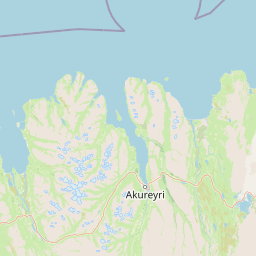
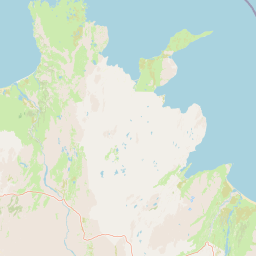
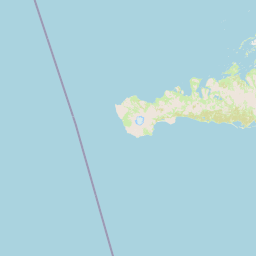
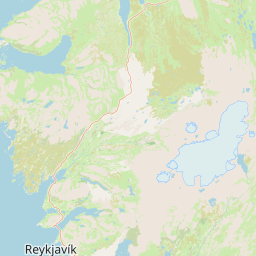
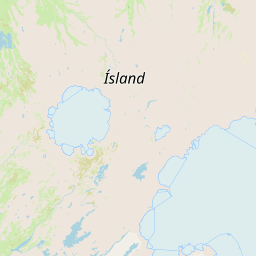
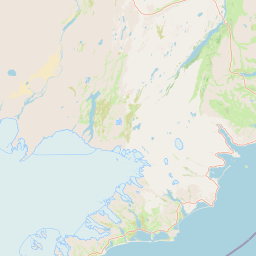
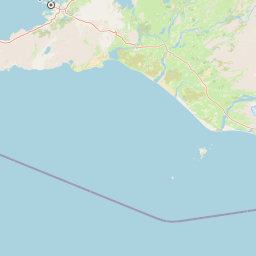
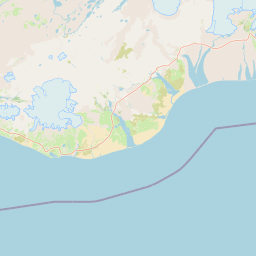
“Do I have signal?” is really five different questions
| Where you are | What you may encounter | Complete before leaving | Do not assume |
|---|---|---|---|
| Town/major coastal base | Mobile service is easier to find, but interiors, basements and a thick car body can still weaken it | Download maps, activate the eSIM, test calls/SMS/data and charge | Signal in town means signal in the next canyon |
| Narrow canyon/deep valley | Terrain blocks reception and data may vanish suddenly; a safe open area may restore it | Save the next address, road number and return direction offline | Parking on a bend or walking alone uphill for signal is sensible |
| Highlands/F-road | Coverage gaps, occasional SMS and road/weather changes faster than navigation updates | Save current road information, accommodation, plate, offline maps and 112 app/chat access | One data bar makes an unbridged river or closed road safe |
| Inside car/hotel | The body, glass, walls and position can make reception weaker than an outdoor model; battery use may rise | Charge, keep the phone reachable and test another device at a safe stop if needed | A provider map equals the signal at your seat |
| Road incident/lost direction | A new map may not load, but location, SMS or 112 alternatives may still help | Stop safely, note the last confirmed landmark and direction, then choose the help route | Refreshing an app or driving on will restore safety |
Coverage models from the regulator are generally estimated outdoors at a set height. A phone inside a car or in the centre of a building can behave differently. That is why “I had 5G in my hotel room” and “can I send coordinates from the bottom of a valley?” do not belong in one answer.
An eSIM handles data; offline files handle the next step
| Tool | What it can do | Do this while connected | Do not expect after disconnection |
|---|---|---|---|
| eSIM/physical SIM | Provide data, calls or SMS on an available network, subject to the product and phone settings | Confirm activation, roaming, default data line, VoLTE and hotspot settings | It can pass through rock or select a covered road automatically |
| Offline map | Show downloaded areas, road directions and saved places without data | Download today’s and tomorrow’s areas and test once in flight mode | It knows temporary closures, cancelled activities or current weather |
| Accommodation/activity screenshots | Keep addresses, check-in instructions, meeting times, phone numbers and confirmation codes | Save the text and coordinates on a second device | Screenshots update locks, cancellations or pickup changes |
| SMS/112 app/online chat | Send messages or location, or communicate with emergency operators in the right conditions | Install the 112 app, add details and save +354 599 0112 | Ordinary social messages, social platforms or navigation support are emergency services |
| Charging/second phone | Keep contacts and information available if the main phone dies, breaks or is misconfigured | Save route, plate, accommodation and help details on both devices | A power bank increases coverage; it only increases usable time |
Test an offline map by actually switching data off, not by admiring the words “downloaded”. Zoom in to the final turn, accommodation entrance and alternative stopping place; if the screen is blank, fix it before departure. It is less dramatic than holding a phone up in a snowstorm, and considerably more useful.
The 60 seconds after signal disappears: stop, then choose the channel
| Seconds/stage | Action | Keep a record of | Avoid |
|---|---|---|---|
| 0–10 seconds | Slow down and stop somewhere safe, legal and clear of traffic | Vehicle direction, last visible sign and approximate time | Refreshing the map while driving, stopping on a blind bend or outside the shoulder |
| 10–25 seconds | Check the offline map and saved address; confirm whether only data has paused | The last location you can verify, not merely “nearby” | Leaving companions outside the car to search for signal |
| 25–40 seconds | For help, judge personal/traffic danger and use 112; if SMS works, state location, people, incident and time | Plate, number of people, injuries, road number or nearest landmark | Using 112 for ordinary road information |
| 40–60 seconds | If safe, move to a higher or more open place; only one adult moves a short distance while another stays with the car and group | Direction of movement, vehicle position and way back | Going deep into a canyon, splitting everyone up or draining the battery |
SafeTravel’s advice to find a higher or more open place does not mean leaving the vehicle to climb. Check the surface, wind and the group first; without a safe route, stay somewhere identifiable and use SMS, the 112 app, online chat or another 112 channel. In a genuine emergency, weak signal is not a reason to delay.
ICENAVI Signal Fit: all five checks need a score before you leave
Each item scores 0–2; the total only exposes gaps and is not a coverage certification. If any item is 0, add information or shorten the route. Even five scores of 2 remain subject to the day’s roads, weather and 112 instructions.
| Dimension | 2 points: proceed | 1 point: add information | 0 points: stop |
|---|---|---|---|
| Phone settings | Two devices support 4G/5G/VoLTE and data-line and roaming settings are tested | Only internet access has been tested, not calls, SMS or a second SIM | Phone is network-locked, eSIM is inactive or emergency calls cannot be made |
| Offline information | Maps, accommodation, road number, plate and activity confirmation are on two devices | Only one phone or only a screenshot of the whole route | You do not know the next base or meeting address offline |
| Help channels | 112, +354 599 0112, the 112 app/chat and rental number are saved | You know 112 but have not prepared a location sentence or plate | You can only rely on social media or navigation support |
| Battery and location | Main phone, backup phone and power bank have charge and the phone is reachable | One phone is low and you are still on the road | All location and phone details are on one dying phone |
| Route fallback | You can remain at a safe base offline, with cancellable or delayed accommodation/activity options | The next night is remote and there is only one time-critical route | You must continue without data, in bad weather or on a closed road |
ICENAVI · Final signal call
A quiet phone is not a reason to panic
If the offline map knows where you are, companions know where you are staying tonight, and 112 and the rental number exist on more than one phone, the outage is simply a change of operating mode. If you have only live navigation and no address screenshots, even strong town signal does not mean you are prepared. The useful promise is not “never offline”; it is having a safe next action when you are.
Write the 112 sentence before you need to translate it
When calling 112, prepare Where, Who, What and When. Fill in and save this sentence on both devices: “We are on road number __, travelling toward __. There are __ people. __ is injured / no one is injured. The car is / is not blocking traffic. It happened at __.” If there is no road number, give the nearest town, landmark, direction, plate and last offline location you could confirm. Stay on the line and let the operator decide whether the information is sufficient.
For routine road or accommodation questions, do not occupy an emergency channel; use Iceland safety information and its different roles to check weather, Umferðin, SafeTravel and on-site notices. If it has become a collision or the vehicle is unsafe to drive, follow what to do after an Iceland self-drive accident. If you are preparing for the highlands, the F-road and water-crossing stop page separates road, vehicle and exit decisions. Read these links before you need them so the next step is already clear.
Ten questions before departure: do not wait for the valley
- Is the phone unlocked, with Iceland-compatible 4G/5G and VoLTE support?
- Is the eSIM active, and have the default data line, roaming and hotspot been tested?
- Can you open today’s and tomorrow’s offline maps in flight mode?
- Are the accommodation address, check-in instructions, activity meeting point and phone number saved as text rather than only as a webpage?
- Are the plate, rental reference, insurance details and rental company emergency number on two devices?
- Can you find 112, +354 599 0112, the 112 app and online chat immediately?
- Does everyone know who looks after people, who keeps the location and who contacts help without signal?
- Is the power bank reachable in the car, with charging cables not all buried at the bottom of one bag?
- Do highland, canyon or long-road sections have a safe stopping place and a version where you do not continue?
- If the phone dies completely, are the paper address, plate and basic help sentence still in the car?
Ask a companion to quiz you with these ten questions once. If you are alone, write down which base a trusted person has, and when they should expect a check-in; the Iceland solo-safety page and its Solo Margin Score covers accommodation entrances, transport options and night-time stopping. Compare eSIM products or transaction options for activities and accommodation only after this L1 backup is ready; an “unlimited data” graphic is not a safety process.
Related reading
Save the offline version first
Iceland safety information: 112, roads and on-site noticesSelf-drive eSIM and offline-map backupIceland self-drive accident: what to do firstMore reading
Bring road decisions back into the itinerary
F-roads and when to stop before a water crossingIceland mountain-road night driving: daylight, fatigue and animalsHow to rebuild a route after a road closureQ&A | What should you do first when an Iceland self-drive route loses signal?
Can I keep following navigation without signal?
Do not use an unupdated navigation screen as a road-condition decision. Stop somewhere safe and clear of traffic, open the offline map, confirm the road number and last identifiable position, then decide whether to seek help or turn back.
How do 112 and the rental company number differ?
Use 112 for personal or traffic danger. Handle vehicle faults, contract questions and ordinary rerouting through the rental company’s support process. Save both numbers and the plate on two devices before departure.
Is downloading an offline map enough?
No. Save accommodation addresses, meeting points, road numbers, the plate, return direction and a base where you can stop early in text as well. An offline map cannot tell you about a same-day closure or cancellation.
What if signal is weak but it is not an emergency?
Move to a higher or more open position only if it is safe, then try SMS or another saved contact method. Do not enter a canyon or park on the shoulder to find reception.
References
Checked 5 September 2026. Mobile networks, the 2G/3G transition, roads, weather, emergency services and provider plans change; recheck official pages and your phone settings before departure.
- SafeTravel Iceland | 2G and 3G Phase-Out: coastal coverage, canyon/deep-valley limits, higher or open positions, possible SMS delivery and 112 backup-phone guidance.
- 112 Iceland | Contacting 112: Where/Who/What/When, staying on the line, alternative numbers, online chat and emergency dispatch.
- 112 Iceland | 112 App: official guidance on sending location, personal details and incident descriptions through the app.
- Fjarskiptastofa / Icelandic Electronic Communications Office | Mobile network coverage metadata: outdoor-height modelling and the effects of terrain, weather, vehicles/interiors and phone antennas on reception.
- Umferðin | Definitions / About: road and weather update timing and limits on automated data.
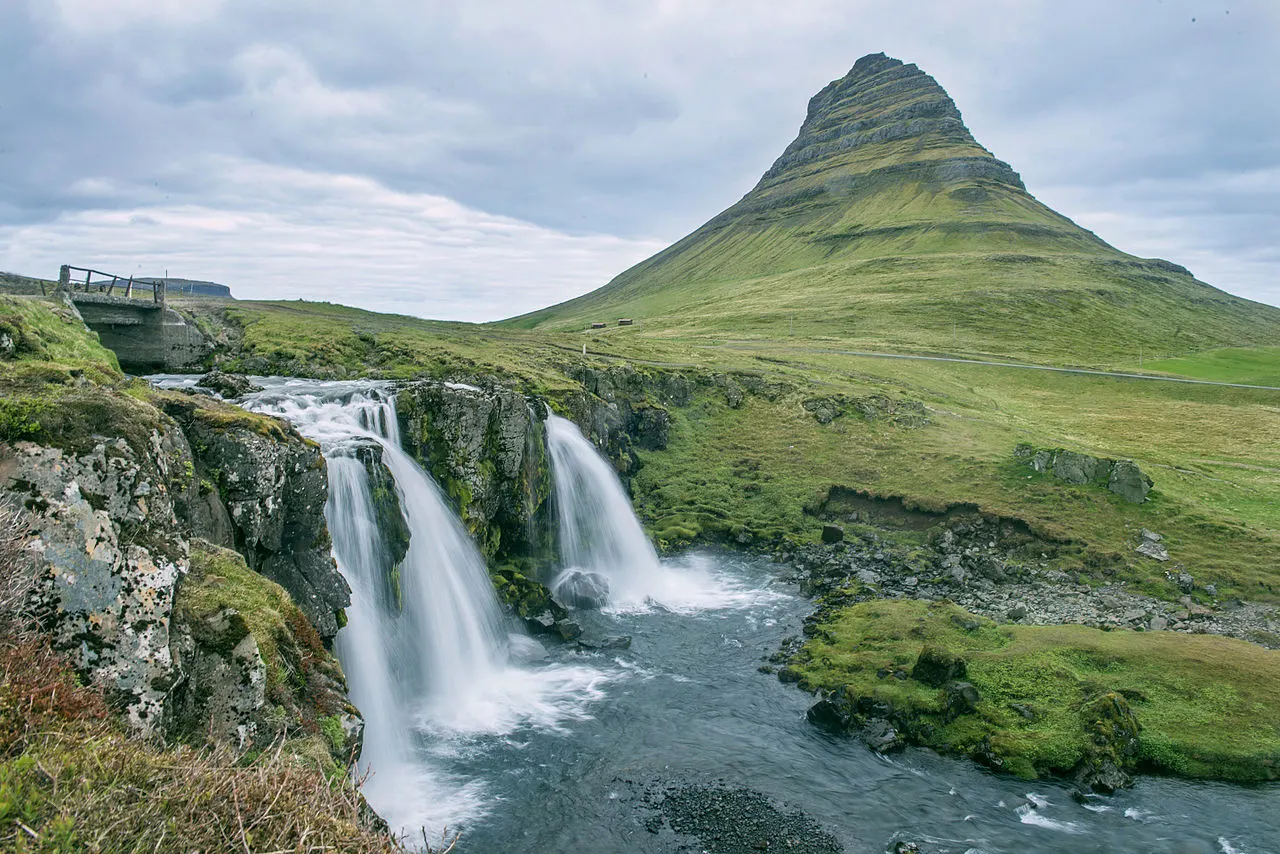
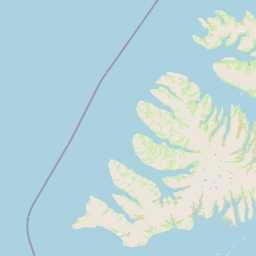
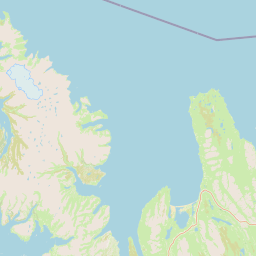
- OpenStreetMap contributors: base map and attribution for the five self-drive signal-responsibility locations; geographic comparison only, not coverage or navigation.
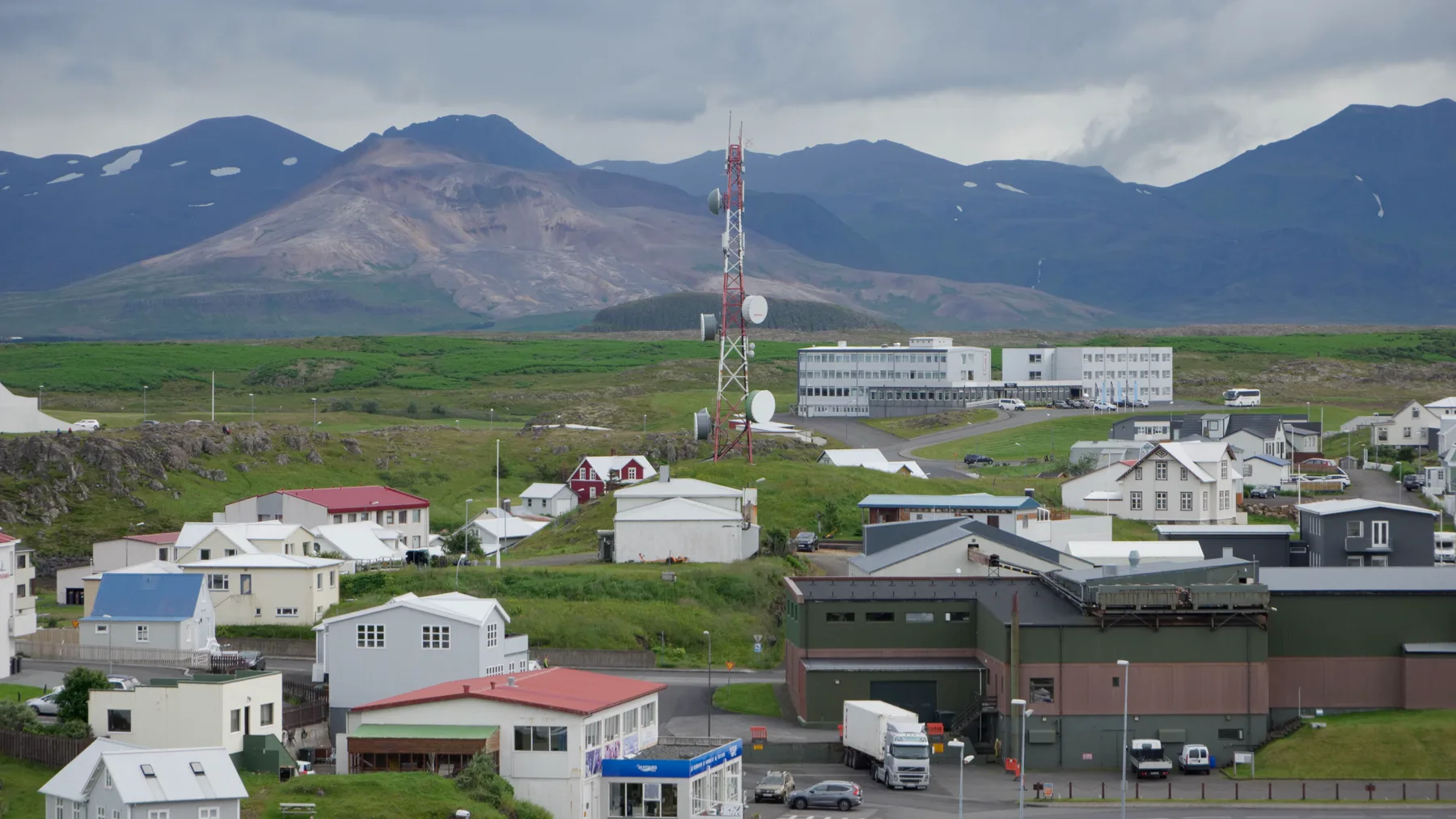
- Hero image: Wikimedia Commons: Cell Tower in Stykkishólmur, used under CC BY 4.0; this site only resized, cropped and converted it to WebP. It explains the spatial relationship between town, mountains and tower, not a provider’s coverage, speed or service result.

This page is the L1 self-drive signal and backup entry point. It contains no unverified eSIM CTA: prepare offline information, battery, 112, roads and accommodation fallback before comparing downstream products.