
CONNECTIVITY DECISION · ICELAND
eSIMs are often treated as a pure price question. But for self-drive travelers, the worst scenario usually isn't running short by a few hundred MB at the end. It's discovering your phone isn't set up right when you need to check road conditions, contact an activity provider, or find your accommodation.
Estimate navigation, hotspot and backup use before choosing your data allowance
For a solo driver using only navigation, messaging, road info, and weather checks, a moderate data plan with offline maps is usually sufficient. If you're sharing a hotspot with two to four people, uploading photos daily, or streaming video, you'll need to increase data volume, check speed limits, and plan for in-car charging. Before paying, confirm hotspot permissions, when the validity period starts, top-up methods, and whether your original SIM can still receive SMS.
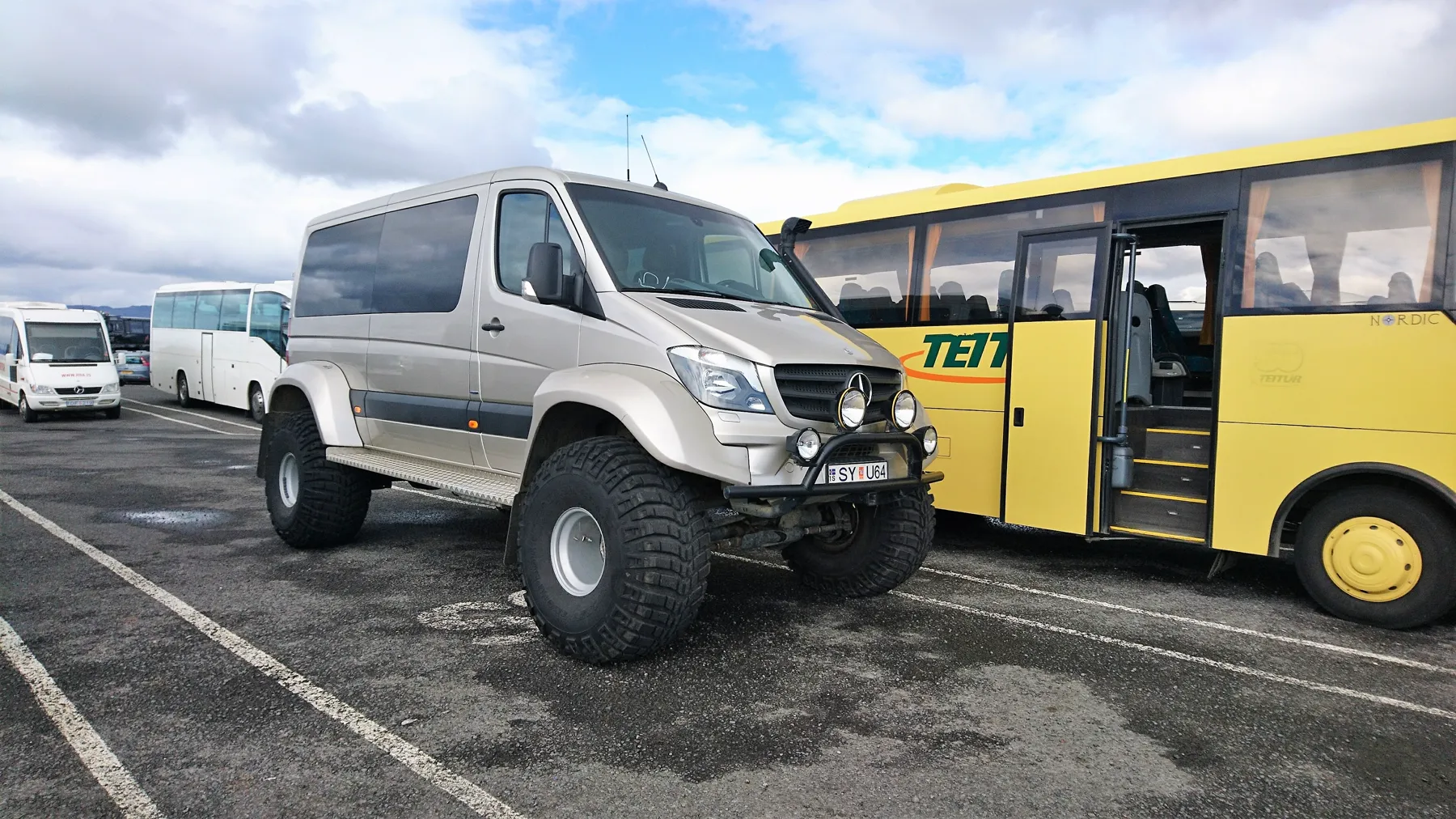
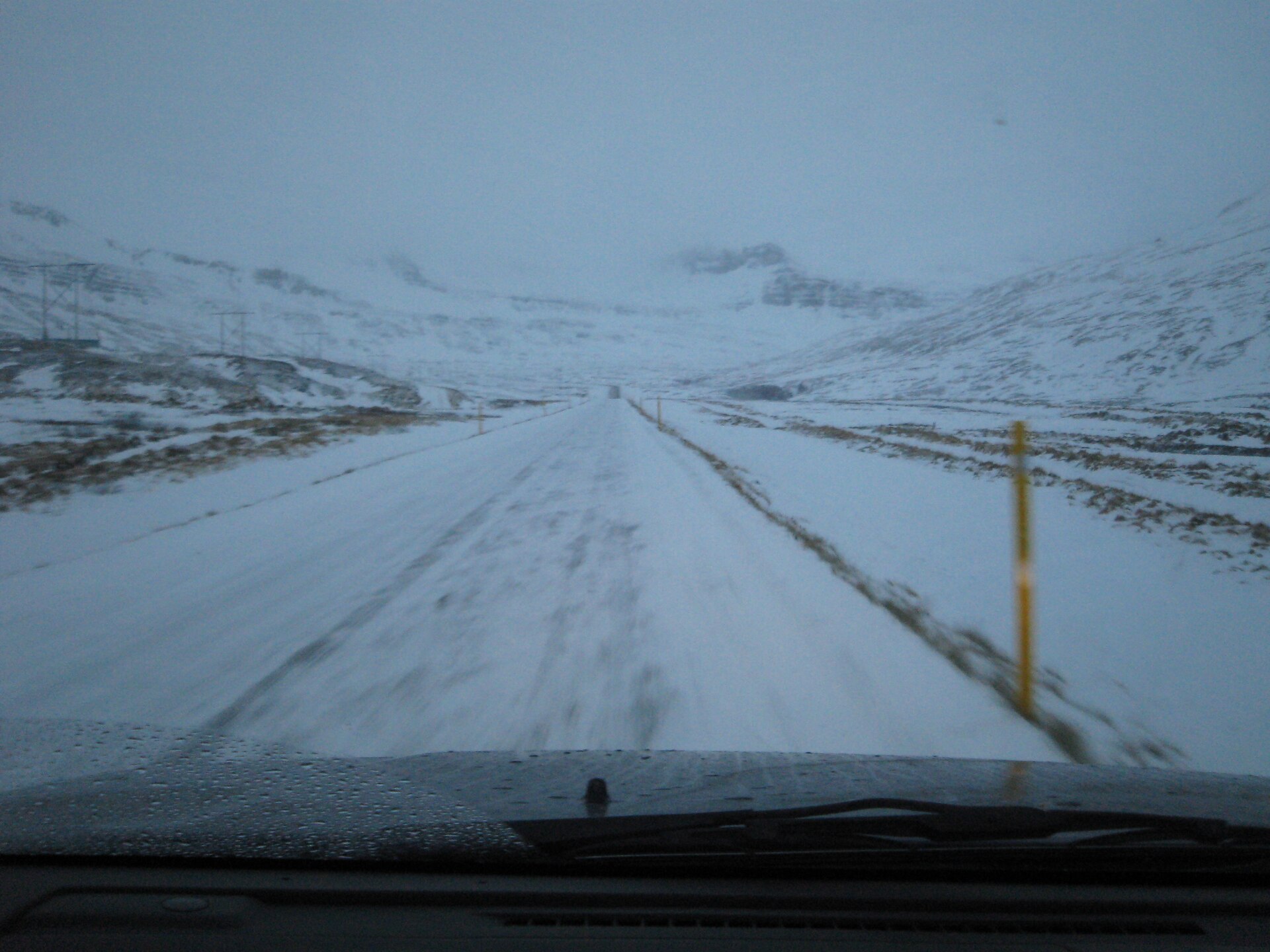
ICENAVI CONNECTIVITY · DATA FIT
Score the Plan by How You Will Use It
Scores measure how well navigation, hotspot, devices, photo/video, group size, top-up, and offline backup align. This is not a rating of eSIM brands or signal coverage; specific plan terms and local network conditions always take precedence.
Navigation itself may not be the biggest data consumer, but re-routing, live satellite views, and road/weather pages are essential for self-drive. Download offline maps first to create a real data buffer.
Sharing with two to four people turns one phone into the car's network. Shareability, speed limits, and fair usage policies matter more than the word "unlimited."
Auto photo backup, cloud drives, video preloading, and social media autoplay consume data without you noticing. Setting backups to Wi-Fi only is the cheapest data insurance.
Navigation plus hotspot drains both data and battery. Test in-car USB, power banks, spare cables, and phone protection in cold temperatures.
Validity may start from installation, first connection, or calendar day. Save QR codes, APN settings, support contacts, and top-up links when you have Wi-Fi. Don't leave first-time setup to a remote parking lot.
Moderate data, offline maps, a usable hotspot, distributed devices, and a clear top-up fallback usually fit Iceland self-drive better than blindly buying the largest GB package.
Four Situations That Actually Use Mobile Data on an Iceland Road Trip
How fast you use data depends mainly on whether you have video, auto photo backup, hotspot sharing, and high-quality maps enabled—not on "how many days in Iceland." Navigation itself may not consume huge amounts of data, but repeated re-routing, live satellite views, streaming music, and companion connections will increase actual usage. Download offline maps for your entire itinerary area before departure so navigation works without signal or data consumption. Then bookmark road, weather, and safety sites to use live data for final decisions.
If you only use messaging, search, online banking checks, maps, and official road info daily, you usually don't need the most expensive large data package. If you turn your phone into the car's network, share with two to four people, edit video, backup photos, or work when hotel Wi-Fi is unstable, prioritize hotspot capability, speed limits, and fair usage policies over the data number. A "large data" plan without hotspot permissions may be less practical than a shareable moderate plan.
To make "sharing with two to four people" actionable, see the Iceland eSIM Hotspot Sharing Device Division Table: driver's phone, passenger phones, tablets, and battery levels each have roles, so data estimation doesn't treat one phone as four independent connections. If you still need to keep your Hong Kong number for verification SMS, then check the Dual SIM Setup Page to separate original SIM SMS/receiving, roaming, and travel eSIM data.
| Usage Type | Data Planning Focus | Don't Ignore |
|---|---|---|
| Solo self-drive, navigation & messaging | Moderate data + offline maps | Activation date & road info bookmarks |
| Two people, shared hotspot | Confirm shareability & speed limits | Phone battery drain & in-car charging |
| Daily photo/video uploads | Disable auto-backup or set Wi-Fi only | Background app hidden consumption |
| Remote work or video calls | Reserve higher data, hotel Wi-Fi as backup | Remote signal ≠ stable work network |
| Multiple devices, camera gear | Hotspot & backup charging plan | Don't leave phone outside in cold for long |

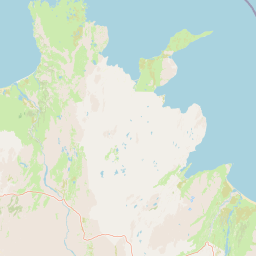
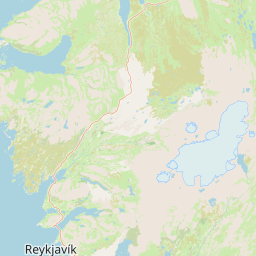
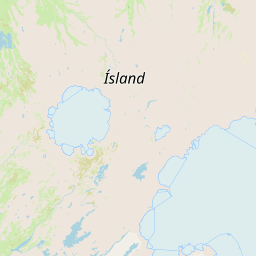
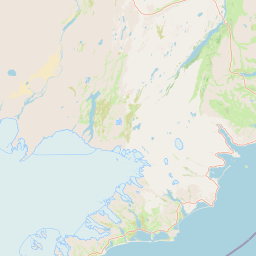
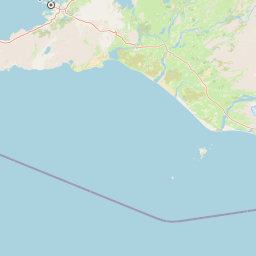
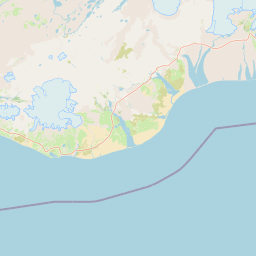

Map is only for comparing bases and data backup direction, not for navigation, and does not represent live signal or road conditions.
Save the Information You Cannot Afford to Lose Offline
First is road and weather.Before departure and before moving each day, check Iceland official road conditions, Iceland Meteorological Office forecasts & alerts and SafeTravel. The value of this live data far exceeds constantly scrolling travel videos on the road. Remember, this article and any eSIM cannot guarantee usable signal in specific mountain areas, storms, or remote sections.
Second is offline maps.First download Reykjavik, Golden Circle, South Coast, Glacier Lagoon, or areas you'll actually drive, and save accommodation, gas stations, activity meeting points, rental car companies, and airport. Offline maps don't replace road warnings; they are a backup that lets you know where you are and where the next safe stop is when data signal is interrupted.
Third is contactability.Activity providers may reschedule due to weather, hotels may send check-in instructions, and rental car companies may need your reply. Confirm eSIM is data-only, whether you can keep original SIM for SMS, and if WhatsApp or other messaging apps still work. If banking or account login still relies on original number SMS, complete verification at home or prepare other verification methods.
Fourth is power.Phone with data but no battery doesn't improve road risk. Before self-drive, test in-car USB, charging cables, and power banks; don't leave phone outside in cold for long, and don't only bring one loose charging cable. Making charging part of daily itinerary is more reliable than looking for outlets at night.
Check When the Validity Period Starts Before You Install
Some eSIMs activate upon installation, some start counting days upon first connection to local network; some calculate by 24 hours, some by calendar day. Read clearly before arrival, otherwise installing a few days early or accidentally connecting during layover may consume validity period before actual self-drive. Download installation data, QR code, support contact methods, and APN instructions, and complete necessary steps in stable Wi-Fi environment. Don't wait until arriving at parking lot, luggage not yet collected, to try setup for the first time.
After installation, test first: turn off Wi-Fi, confirm mobile data uses correct eSIM, turn off original roaming data, check if maps and messaging can open. If your phone supports dual SIM, specify which card receives calls or SMS, which card uses data, and confirm data switching settings don't accidentally activate expensive original roaming. Companions can keep their own connections; don't give all car safety info to one phone.
Before One Phone Becomes the Car’s Hotspot, Check These Three Things
First, does the plan explicitly allow personal hotspot; second, will sharing slow down or charge separately; third, can the main phone's battery withstand all-day navigation plus hotspot. For two-person self-drive, a shareable plan seems convenient, but if the main phone must take photos, navigate, receive activity messages, and simultaneously provide network for another phone, power consumption and heat will rise. Better arrangement is for each person to keep minimal independent connection, or at least have offline maps and contact data copies.
Also check background usage. Photo sync, cloud drives, app updates, video preloading, and social media autoplay often consume more data without notice. Before departure, set photo backup to Wi-Fi only, turn off auto-updates, limit video quality, and check usage once daily. This small check is easier to control budget than suddenly adding purchase on the last day.
Mobile Data Is Only One Layer of Your Road-Trip Backup
Data connection can help check roads and contact, but shouldn't replace conservative driving judgment. Before departure, inform companions of daily approximate route and accommodation; before entering weaker signal areas, check fuel, weather, and road conditions; if encountering vehicle breakdown or needing emergency assistance, follow rental car company, local emergency services, and official safety guidelines, rather than relying only on one app. Saving emergency phones, insurance data, license plate, location methods, and accommodation contacts on two devices avoids losing all car info when main phone dies, breaks, or is lost.
Hotel Wi-Fi should also be seen as supplement, not itinerary premise. After arriving at accommodation, use stable network to update offline maps, download next day data, organize confirmation emails, and let companions save necessary info. This small habit doesn't increase data, but makes next day's choices more relaxed.
Since data number is already chosen, there are two route decisions that will make you use more than expected. Whether highland or remote sections are in plan, first confirm with 2WD vs 4WD vehicle and road eligibility, don't wait until car pickup to download maps; activation time, original SIM SMS, and offline backup are handled by Iceland Self-Drive eSIM Setup Checklist. Once these two are set, you'll know if you need more GB or more complete backup.
Seven eSIM Checks to Finish Before You Land
One: Is phone unlocked and supports eSIM? Two: Does plan cover Iceland, how does validity period start counting? Three: Is hotspot sharing allowed, what are speed and fair usage terms? Four: Is original SIM data roaming turned off? Five: Are offline maps, accommodation, meeting points, and rental car phone downloaded? Six: Is in-car charging and power bank usable? Seven: Do companions also have minimal contact and navigation backup?
After confirming these questions, then compare actual product data and price. If you already know your days/GB, whether to open hotspot, and if crossing countries, next step can see Airalo vs Saily brand decision table, don't use full-network ratings to replace your usage. If your route is not yet complete, first decide where to stay each day with 5-day South Coast itinerary; if car type is undecided, first read 2WD/4WD route boundary; if needing to understand how connectivity and road conditions align, can also review complete Iceland self-drive eSIM guide. Connectivity should serve itinerary decisions, not replace them.
Completed data estimation?
Choose a plan for your trip length
Related Reading
Iceland Self-Drive eSIM Setup Checklist handles activation, SMS receiving, and offline maps; these determine if journey is smooth earlier than buying one more level of data.
Those with undecided car type should first see 2WD vs 4WD vehicle and road eligibility, then judge which area data to download.
More Reading
5-Day South Coast Accommodation Plan helps narrow down daily map range to save; before winter movement then connect to Daily Road & Weather Judgment.
Q&A | Practical questions to confirm before departure
How much data per day for Iceland self-drive?
No fixed number; navigation, road maps, photo backup, and streaming habits vary greatly. First separate offline maps and accommodation Wi-Fi, then leave buffer for road queries.
Can offline maps completely replace mobile data?
No. Offline maps reduce navigation data, but road warnings, activity delays, and temporary rerouting still need live connection sources.
Is hotspot suitable for companion sharing?
Depends on plan allowing tethering and phone battery; multi-person sharing uses data faster, long drives should prepare charging.
When to buy data plan?
Can install before departure, activation window must be checked against supplier terms; don't research refunds and validity at airport last minute.