
ICENAVI · CONNECTION PLAN
The common in-car connection problem is rarely too little data. It is treating one eSIM as a universal router for four people. When a phone is navigating, a passenger is uploading photos and a tablet is looking up the accommodation address, the hotspot phone's battery is usually the first thing to object.
ICENAVI PRACTICAL FIT · ESIM & HOTSPOT
Divide the jobs before choosing one or two eSIMs
The scores weigh hotspot permissions, traveller roles, in-car devices, battery life, data limits, hotel Wi‑Fi and offline backup. They are not coverage guarantees from Airalo, Saily or any partner network. Check the product page when you buy.
Separate data, battery, offline maps and traveller responsibilities so the hotspot remains a backup rather than the only lifeline.
Check Airalo and Saily's hotspot support, speed, validity and fair-use rules one by one on the product page; the GB figure is not enough.
The driver handles roads and weather; a passenger keeps contact and backup location data. Splitting responsibility is steadier than feeding the whole car from one phone.
A car display, tablet and several phones can compete for hotspot capacity and power. Test short cables, the car charger and offline data at home.
Keep large syncs, updates and photo backups on accommodation Wi‑Fi; reserve mobile data for live navigation and essential contact.
Save accommodation addresses, activity confirmations and offline maps on two phones, then update them on Wi‑Fi. That is a real fallback from relying on one hotspot.
The scene usually appears after leaving Reykjavík: the driver's map is still updating, a passenger's phone starts backing up photos, the back-seat tablet wants to open the accommodation confirmation, and someone asks where the next fuel station is. None of these tasks uses much data alone, but together they turn a phone into a hot, hard-working router. That is when “is the data allowance capped?” proves to be an incomplete question. Network permissions, battery life and offline information each have their own limit.
Decide whether you are sharing data or running the whole car
A hotspot provides one network exit. It does not install offline maps on every device or save navigation addresses for you. Split the jobs first, and the choice between one shared plan and two smaller plans becomes clearer. The driver's phone handles live roads and weather; a passenger's phone handles contact and backup location; a tablet or laptop connects only on accommodation Wi‑Fi or when it is genuinely needed. That division is more dependable than allowing every device to run automatic updates.
| Travel situation | More reliable setup | Data drains to switch off first | Check before paying |
|---|---|---|---|
| One or two people, self-drive only | One hotspot-capable eSIM, with offline maps downloaded on both phones | Automatic photo backup, autoplay video and app updates | Whether personal hotspot is supported; who takes over if the main phone loses power |
| Three or four people, long drives each day | Two separate eSIMs; one can provide the hotspot | High-resolution social video, cloud sync and music streaming | Each plan's validity, top-up and speed limits |
| Travelling with a tablet or car display | Turn on the phone hotspot only when needed; keep offline data in the car system | Tablet system updates, streaming video and background location | Whether the device remembers the hotspot and reconnects automatically |
| Working or splitting up during the day | Each person who needs to work gets their own eSIM | Video-call quality, cloud-drive sync and large attachment downloads | Hotspot fair-use policy, speed cap and roaming network |
The final column belongs before payment for a reason. A brand page saying that hotspot use is available does not mean every phone, local network and setting will behave in the same way. Airalo's official guidance puts hotspot capability down to device and network support; Saily's Iceland plan page clearly lists hotspot sharing, while real-world speed still depends on the partner network, terrain and phone settings. Check your device first, then the plan label; do not reverse that order.


Put the signal back on the route: start with your bases, then plan the hotspot
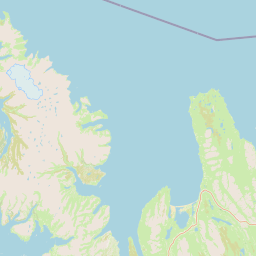
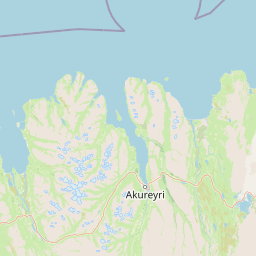
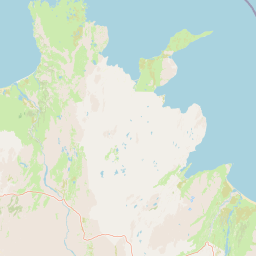
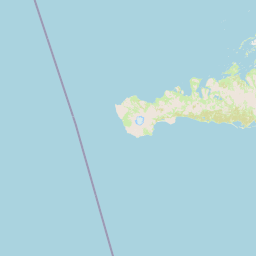
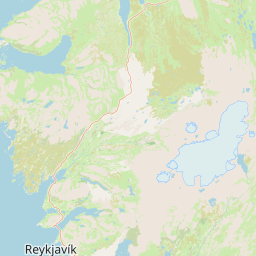
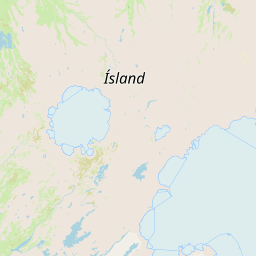
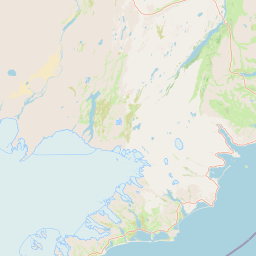
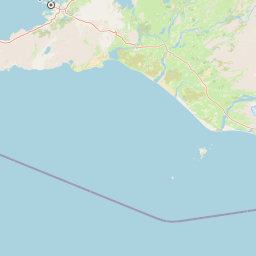
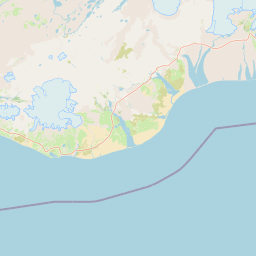
This real OpenStreetMap base map marks Keflavík, Reykjavík, Vík and Akureyri, then places the device roles in the context of “which night has Wi‑Fi and which stretch relies on mobile data”. It does not show live coverage or charging stations and is not for navigation. Check valleys, tunnels, interiors and in-car reception against your actual location that day.

Airalo and Saily: the difference is the division of work, not the louder advert
The two Iceland products checked here offer different ways to choose. Airalo makes it straightforward to match a fixed allowance with a validity period, which suits travellers who expect light hotspot use and are willing to control background data with offline maps. Saily's Iceland page clearly lists hotspot sharing, so it is more immediately legible if one phone will occasionally be shared with companions. This is not a signal ranking: both depend on the local partner network and your position, and a brand name cannot promise service through a valley, tunnel or mountain range.
| Your priority | Plan direction to check first | Why | What not to infer |
|---|---|---|---|
| Everyone's usage is predictable | Airalo fixed-data version | Estimate navigation, messages and light sharing without paying for data you will not use | A fixed allowance is automatically cheaper than every other plan |
| One phone occasionally shared by two people | Saily Iceland version that lists hotspot use | The sharing permission is visible before purchase, leaving less to guess | The main phone can run a hotspot all day without draining its battery |
| Several people connected for long periods | Two separate plans | Spread battery, speed and disconnection risk | Two plans can create coverage where the terrain has none |
| You need texts on your original number | Keep the physical SIM for calls and SMS | Use the eSIM for data while the original number receives verification messages, subject to phone and carrier settings | Turning on roaming guarantees that the original SIM will incur no charges |
If you still want to ask “which one is best?”, your inputs probably have not been aligned yet. Write down the number of travellers, whether anyone splits off during the day, whether the car has a tablet, and whether the main phone will film. Then check hotspot sharing, top-ups, validity and activation date one by one. Those conditions predict whether you will suddenly be unable to find an accommodation confirmation on day six better than a large-looking GB number.
The hidden cost of a hotspot is battery and attention
Once a hotspot is on, the phone is doing three jobs: connecting to the cellular network, forwarding data to other devices, and maintaining its own screen and location services. If the driver's phone is also the only hotspot, navigation, camera, communications and charging all draw from one battery. A car charger helps, but it does not guarantee that charging keeps pace with consumption. The car's USB output, cable, phone case and cold temperatures can all affect the result.
| Looks convenient | What it adds in practice | Better alternative |
|---|---|---|
| The driver's phone runs a hotspot all day | Battery drain, heat and navigation compete for attention | Give the passenger phone its own connection and turn on the hotspot only when needed |
| The tablet joins the hotspot automatically | Background updates and video can quietly consume the allowance | Finish updates before departure and leave the tablet with maps and addresses only |
| Everyone uses the same eSIM | When the main phone drops out, the whole car loses live information | Keep offline data and contact methods on at least one backup phone |
| Rely on live maps in the mountains | Terrain, weather and road position can interrupt the signal | Download offline maps and save accommodation, rental and activity addresses as text |
This is why “hotspot-capable” should not be treated as “suitable for the whole car”. Let the hotspot carry the work it can carry; leave the rest to offline maps, paper or screenshots. For Iceland canyon and road dead-zone preparation, Iceland self-drive phone signal and backup planning separates 112, battery, addresses and the order of actions when there is no coverage. Then decide whether one large plan is right or the connection should be split across two phones.
Set up before departure: the real time-saver is testing, not installing
Install the eSIM at home on stable Wi‑Fi and rename the two lines, for example “Iceland data” and “Original number”. On arrival, set the Iceland eSIM as mobile data and enable data roaming if the product requires it. Decide whether the original SIM should have data disabled and whether it should keep receiving texts according to your carrier's charges and your phone settings. Do not delete the original SIM after setup, and do not wait until the airport car park to look for the APN for the first time.
- After installation, screenshot the ICCID, plan name, validity start method and support entry point.
- Without removing the original SIM, test which line handles data and which handles text messages.
- Turn on the hotspot, connect a companion device, switch off the screen and confirm that a simple message still sends after several minutes.
- Download offline maps for Reykjavík, the South Coast, the East or the northern area you will visit; save accommodation, rental and activity meeting points as plain text.
- Keep the power bank, car charger and spare cables somewhere reachable in the car, rather than sealed beneath large luggage in the boot.
Do not use a video stream as the only hotspot test. Opening navigation, sending a message and reading a confirmation is enough to show that the sharing path basically works; video speed and live coverage will change with location. If the phone shows no service during testing, check the data line, roaming, aeroplane mode and APN before buying a replacement plan. For a fuller activation checklist, see the Iceland self-drive eSIM setup order.
Where the signal drops, keep an offline version of the itinerary
Iceland's signal coverage cannot be extended from a “nationwide 4G/5G” headline to every side road. Deep valleys, tunnels, mountain passes, sheltered coastlines and indoor parking can all slow or interrupt live services. That is not a defect unique to one provider; it is the terrain that radio signals have to cross. An eSIM can be the doorway to road information, but treating it as an always-on lifeline removes a layer of safety from the trip.
Before leaving accommodation with Wi‑Fi, leave the next address, rental-company number, activity confirmation and the day's road page on two phones. Open the offline map before the relevant drive, and have the driver re-plan only when safely parked. These steps may look old-fashioned, but they are better preparation than holding a phone up on a narrow shoulder to find a signal. If the itinerary includes the Highlands or a remote side road, check the 2WD/4WD route boundary; connectivity cannot restore rental terms or reopen a closed road.
ICENAVI · FINAL HOTSPOT DECISION
Give the most important addresses to two phones; save live data for the moments that need it.
A hotspot-capable eSIM can be genuinely useful, but it is one part of the car's division of work, not the only fallback for everyone. Once you can say who navigates, who keeps the original number and who holds the backup data, Airalo or Saily can enter the final comparison.
Know which kind of connection you need?
Check hotspot permission before comparing Iceland eSIMs
The two buttons below link only to the checked Iceland product pages. Airalo makes fixed data and validity easy to compare; Saily's Iceland page lists hotspot sharing. Prices, GB, activation rules, partner networks, top-ups, refunds and fair-use terms can change, so use the product page at payment.
References
References
The following information was compiled on 5 September 2026. Plans, partner networks, activation, hotspot, speed, cost and refund terms change; check the provider and your carrier before payment and after arrival.
- © OpenStreetMap contributors: base map and public geographic positions used for the eSIM route backup map.
- Airalo | Iceland eSIM: Iceland product, data allowances and validity; plan details are as shown at purchase.
- Airalo | Personal hotspot / tethering: hotspot use depends on device and network support.
- Saily | Iceland eSIM: Iceland plan and hotspot-sharing information; speed and coverage depend on the local partner network and device.
- SafeTravel Iceland | 2G and 3G phase-out: reminders about Iceland mobile coverage, deep valleys and SMS/112 backup.
- 112 Iceland | Contacting 112: emergency contact and location preparation.
- Fjarskiptastofa | Mobile network coverage metadata: differences between coverage models and real terrain, indoor and in-car reception.
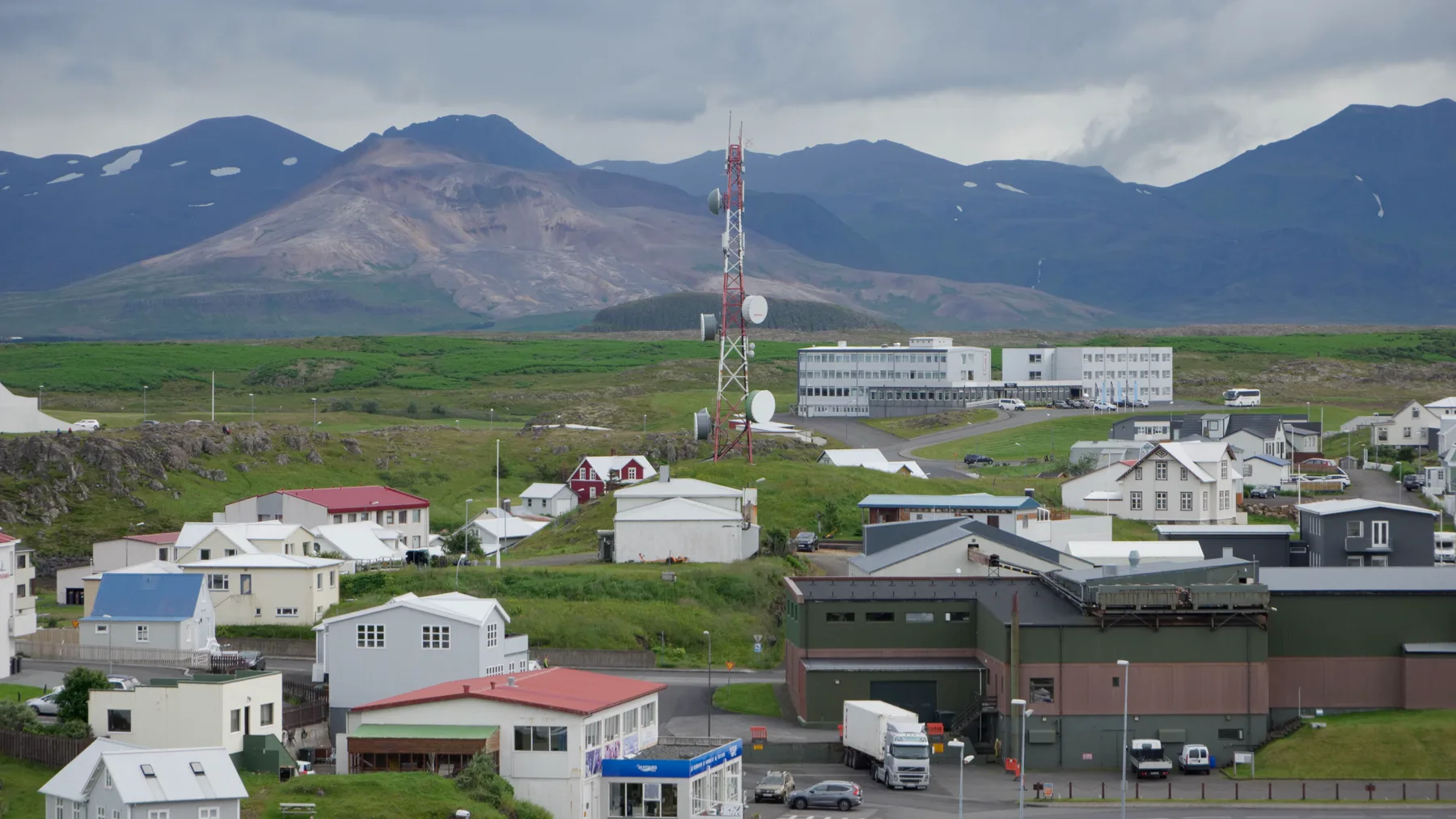
- Hero image: Wikimedia Commons: Cell Tower in Stykkishólmur, CC BY 4.0; this site only resizes, crops and converts it to WebP. The photo explains the spatial relationship between the town, mountains and communications tower; it does not represent provider coverage, speed or service results.

Q&A · Ask before departure
Is sharing one hotspot between two people the cheapest option?
Only when simultaneous in-car connection time is short, the main phone can stay charged and offline maps are already ready. Remote roads and long navigation stretches deserve a second data route.
Can a hotspot replace in-car navigation?
A network is not the map itself. Download offline maps first, then choose the data allowance according to each day's route, battery capacity and number of companions.